
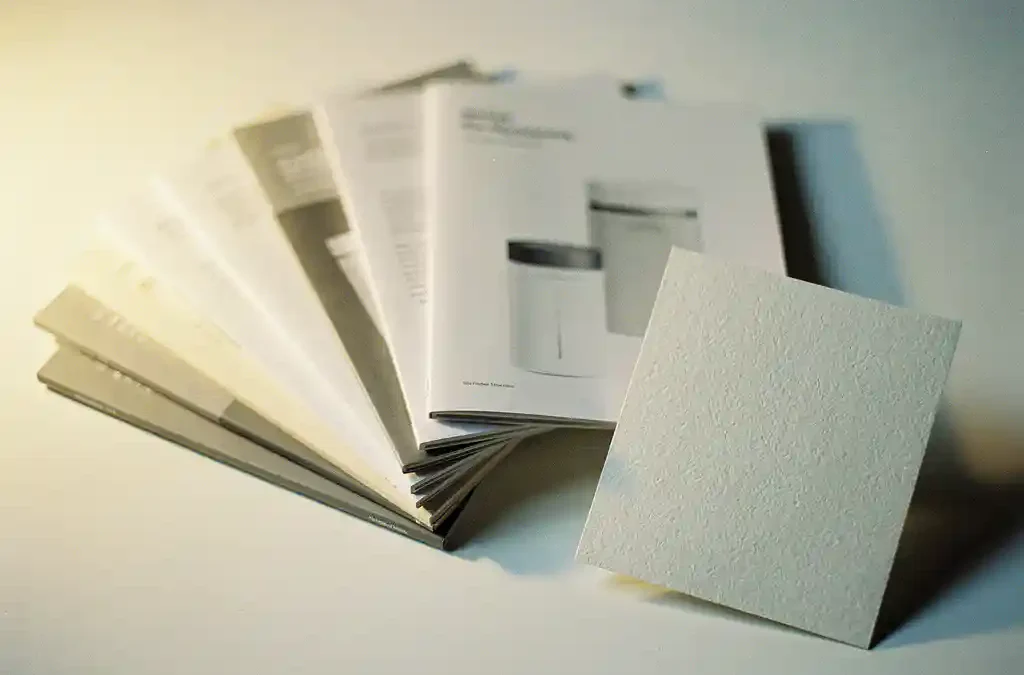
For most product manuals, uncoated paper with a weight between 80 and 100 g/m² is the most suitable choice. It reads comfortably, accepts handwriting well, and keeps production costs manageable. The exact choice depends on how the manual will be used, the printing technique, and the environment in which the product is used. In this article, we answer the most frequently asked questions about paper selection for manuals, so you know exactly what to look for. Do you have questions about your specific situation? Feel free to contact us — we’re happy to help.
What factors determine paper choice for a manual?
Paper choice for a manual is determined by four key factors: intended use, environment, printing technique, and budget. A manual included in a consumer product box has different requirements than a technical service manual that a technician consults daily in the field.
The following considerations play a role in determining the right paper choice:
- Intended use: Will the manual be read once or consulted regularly? Frequent users place higher demands on durability.
- Environment: Will the manual come into contact with moisture, dirt, or chemicals? If so, special paper types become relevant.
- Content: Does the manual contain many color photographs or technical illustrations? If so, the paper type directly affects image quality.
- Print run and budget: For large print runs, paper choice is also a cost factor. Heavier or coated paper increases both material and shipping costs.
- Sustainability: More and more companies are choosing FSC-certified or recycled paper as part of their sustainability policy.
A good paper choice therefore starts not at the print shop, but with a clear analysis of how and where the manual will actually be used.
What is the difference between coated and uncoated paper?
Coated paper has a smooth surface due to a mineral coating, which allows ink to be reproduced more sharply and vividly. Uncoated paper has no coating, absorbs ink slightly more, and gives a matte, natural appearance. For manuals with a lot of technical text, uncoated paper is often more pleasant to read; for manuals with many color images, coated paper performs better.
Coated paper: advantages and applications
Coated paper is available in glossy and matte coated finishes. Glossy paper produces vibrant colors and high contrast, making it suitable for product catalogs and marketing materials. Matte coated paper combines a refined appearance with less glare, making it a popular choice for manuals with a lot of imagery as well. The downside of coated paper is that it is harder to write on, which can be a problem if users want to make notes.
Uncoated paper: advantages and applications
Uncoated paper is the standard for most text-heavy manuals. It accepts handwriting well, causes less eye strain during extended reading, and is generally less expensive than coated paper. Copy paper (80 g/m²) is a commonly used option, but for professional manuals a slightly heavier uncoated paper is often chosen for a better appearance and greater durability.
What paper weight is most suitable for manuals?
For most product manuals, a paper weight of 80 to 100 g/m² is the most suitable. This weight offers a good balance between sturdiness, readability, and cost. Thinner pages (60–70 g/m²) are an option for large manuals to reduce weight and volume, but they feel less substantial and can show through.
As a general guideline, you can use the following breakdown:
- 60–70 g/m²: Suitable for thick manuals where weight is a factor, such as documentation included in small packaging. Less suitable when a quality appearance is important.
- 80 g/m²: The most commonly used choice for standard manuals. Affordable, easy to read, and widely available.
- 90–100 g/m²: Gives a higher-quality appearance and is more durable under frequent use. Popular for technical service manuals and user guides for premium products.
- 120 g/m² and above: Suitable for covers, tabs, or standalone reference cards that need to withstand extra wear and tear.
The weight of the cover typically differs from that of the interior pages. A cover of 250 to 300 g/m² gives a manual a sturdy, professional appearance and better protects the contents during daily use.
When does specialty paper such as synthetic or water-resistant paper make sense?
Synthetic or water-resistant paper makes sense when a manual is used in environments involving moisture, dirt, extreme temperatures, or heavy physical wear. Think of manuals for outdoor tools, medical equipment, industrial machinery, or products used in kitchens or bathrooms.
Synthetic paper, such as polypropylene or polyester, does not tear, is fully water-resistant, and retains its properties even after prolonged use in demanding conditions. It is more expensive than standard paper and sometimes requires adjustments to print settings, but its lifespan is considerably longer.
Water-resistant coated paper is a middle ground: it offers greater resistance to moisture than standard paper, but is less robust than fully synthetic paper. For manuals that are occasionally handled with wet hands, this is often a cost-effective solution.
Another application for specialty paper is archiving. For manuals that need to be stored for a long time — such as those for technical installations or medical equipment — acid-free paper is a wise choice. This paper does not yellow and retains its quality for decades.
How does paper choice affect the print and DTP workflow?
Paper choice has a direct impact on DTP preparation and print settings. Coated and uncoated paper require different color profiles, margins, and resolution settings. A document laid out for offset printing on coated paper will produce a different result on uncoated paper, because ink is absorbed differently.
During the DTP phase, the paper type is taken into account when setting color profiles (CMYK values), line thickness, and minimum text size. Fine details and small font sizes that appear sharp on coated paper may spread slightly on uncoated paper. This is not a flaw, but a characteristic of the paper that the designer must account for in advance.
With digital printing, paper thickness and surface texture also affect how paper feeds through the printer. Synthetic paper sometimes requires specific printer settings or is only compatible with certain printing techniques such as offset printing or UV printing.
At Crestec Europe, we work with an integrated approach in which printing and DTP work closely together. This ensures that paper choice is factored in during the layout phase, preventing surprises during final production. It saves time and costs, and guarantees an end result that meets your expectations.
Would you like advice on the best paper choice for your manual or other printed documentation? Contact us and we’ll be happy to think it through with you.
Frequently Asked Questions
How do I choose the right paper if my manual contains both a lot of text and color images?
In that case, matte coated paper at 90–100 g/m² is often the best middle ground. It provides the sharpness and color reproduction needed for illustrations, while the matte finish improves the readability of text blocks and produces less glare than glossy paper. Always discuss this in advance with your DTP specialist so that the layout and color profiles are tailored to this paper type.
What are the most common mistakes when choosing paper for a manual?
A common mistake is leaving the paper choice until the end of the production process, when in fact the paper type already affects color profiles, text size, and line thickness during the DTP phase. Another mistake is underestimating the use environment: standard 80 g/m² paper is fine for a manual that stays in a box, but unsuitable for a technical handbook consulted daily in the field. Always choose based on actual use, not on price alone.
Does the printing technique matter when choosing paper?
Yes, absolutely. Offset printing gives you more freedom in paper types and weights, while digital printing can have limitations regarding paper thickness and surface texture. Synthetic paper, for example, is not always compatible with digital printers and sometimes requires UV printing or special offset settings. Always align your paper choice with your printer before making a final decision.
How can I choose more sustainable paper without compromising on quality?
FSC-certified paper is now widely available in the same weights and qualities as non-certified paper, meaning you don’t have to make any concessions on appearance or print quality. Recycled paper sometimes has a slightly warmer tone, which is not an issue for most manuals but does look slightly different from bright white wood-free paper. Ask your printer about the sustainable options available within your desired specifications.
What is the best paper for a manual that also needs to be archived?
For manuals that need to be kept for a long time — such as those for technical installations or medical equipment — acid-free (also known as pH-neutral or archival-quality) paper is the right choice. This paper does not yellow and does not deteriorate through chemical breakdown, ensuring readability is maintained for decades. Ideally, combine this with a sturdy cover of 250–300 g/m² for extra protection during the storage period.
How much does paper choice affect the final price of my manual?
Paper choice affects the price in two ways: the material cost per sheet and the shipping cost due to the weight of the final print run. Heavier or coated paper can make a significant cost difference for large print runs. A smart approach is to print the interior pages on 80 g/m² uncoated paper and use heavier coated paper only for the cover, combining a quality appearance with controlled costs.
Can I expect the same paper quality for a small print run as for a large one?
Yes, paper quality is independent of print run size, but the available options may differ. Small print runs are more often printed digitally, which somewhat limits the range of compatible paper types compared to offset printing for large runs. Discuss with your printer which paper types are available for your specific print run, so you are not caught off guard.
Related Articles
- How do I protect confidential product information when outsourcing print work?
- How do I adjust my print materials for different paper sizes by country?
- How do I make sure dealers always have the latest version of my product documentation?
- How do I write technical documentation that non-experts can understand?
- What should you check during localisation QA?