
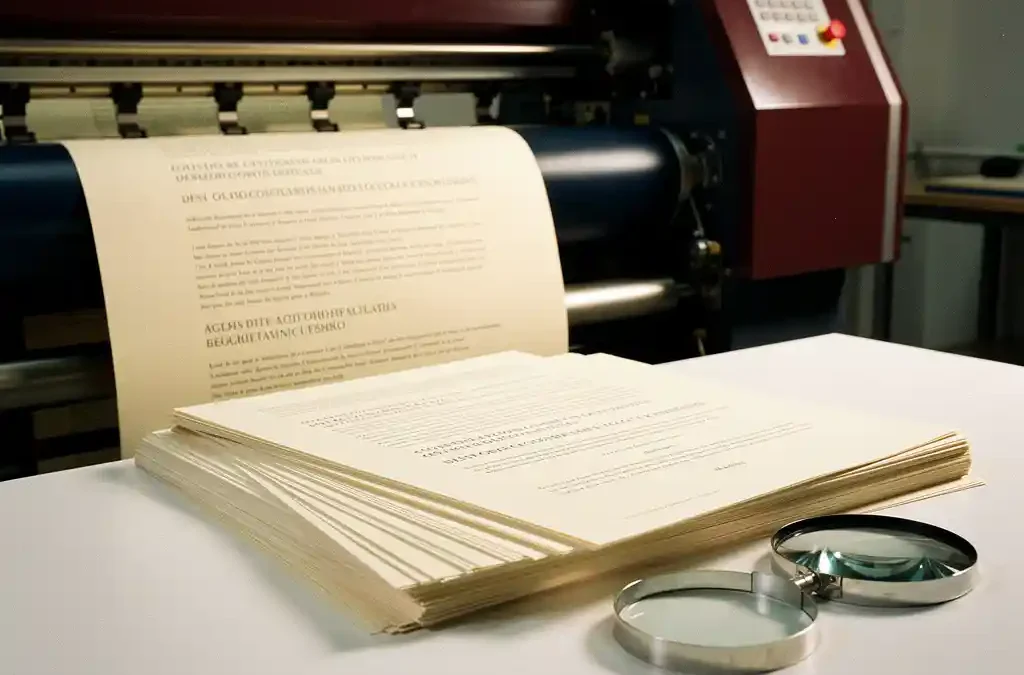
When translating and printing multilingual documentation, you need to account for text expansion, region-specific print requirements, file formats, terminology management, and the logistical coordination between translation and production. Together, these factors determine whether your documentation reaches the end user on time, within budget, and at the right quality level. The questions below give you concrete answers for each area. Have questions about your specific situation? Feel free to get in touch and we’ll be happy to help.
Which languages and markets determine the scope of your project?
The scope of a multilingual documentation project is determined by the number of target languages, the geographic markets involved, and the complexity of the source content. The more languages and regions you serve, the greater the impact on planning, costs, and quality control. A project covering five European languages requires a fundamentally different approach than a global rollout across twenty languages.
Start with a clear market prioritization. Not every market demands the same level of depth: a technical manual for the German market requires precision and a formal tone, while the same manual for the Brazilian market calls for an entirely different writing style and visual layout. For each market, also define the volume: how many copies will be printed, in which formats, and how often will the content be updated?
Don’t overlook indirect languages either. Some regions use a language already covered by another market — such as Spanish-speaking Latin America versus Spain. Even so, there may be content or legal differences that make separate versions necessary. A thorough inventory at the start of the project prevents costly revisions later in the process.
How does text expansion affect the design of multilingual documents?
Text expansion means that translated text takes up more space than the source text, and this has direct consequences for the design of multilingual documents. Text translated from English into German or French can become up to thirty percent longer, while Asian languages tend to be more compact. This affects the layout, typeface choices, and page structure.
In DTP for multilingual documents, this needs to be considered during the design phase. A layout tightly fitted to the English source text will quickly run into problems with longer translations: text overflows, buttons become too narrow, or tables lose their proportions. The solution is flexible design: use text frames with sufficient margins, avoid fixed widths for text elements, and choose typefaces that are legible across multiple languages.
For languages with a different writing system — such as Arabic, Hebrew, or Japanese — an additional dimension comes into play. Arabic and Hebrew run right to left, which reverses the entire page layout. Japanese can be set both horizontally and vertically. These requirements call for adjustments to the DTP process that go well beyond simply swapping out text.
What are the print requirements for different regions of the world?
Print requirements for multilingual documentation vary by region in terms of paper size, color profile, finishing, and regulations. North America uses Letter format instead of A4, Japan has its own standards for paper weight and finishing, and some markets impose legal requirements on the language or format of included documentation.
Paper size is often the first stumbling block. A document formatted for A4 does not automatically fit Letter format without layout errors. This applies to both digital files and physical print. Make sure your DTP workflow accounts for target regions from the outset, so you don’t have to reformat separately for each market after the fact.
Color profiles are a second consideration. Europe typically works with the CMYK color profile for offset printing, but calibration can vary between printers and regions. If your documentation is being printed in multiple countries, it’s important to supply standardized color profiles to ensure brand colors remain consistent across all versions.
Legal requirements are a third factor. The European Union has specific rules for product documentation, including the obligation to provide certain information in the official languages of member states. Outside the EU as well, many countries have language legislation with direct implications for your printed materials. Check these requirements for each market before starting production.
How do you choose the right file format for multilingual DTP?
The right file format for multilingual DTP depends on your workflow, the languages involved, and the printer producing the final product. For professional print work, an editable source file such as InDesign or QuarkXPress is the standard, delivered as a print-ready PDF with embedded fonts and the correct color profile.
Editable source files are essential when documentation is updated regularly or released in multiple languages. They allow translated text to be inserted efficiently without having to rebuild the layout from scratch each time. Where possible, use a format compatible with translation memory tools such as XLIFF or XML, so translators can work directly within the structure without damaging the layout.
For final delivery to the printer, PDF/X is the most widely used standard. PDF/X-1a is suitable for straightforward documents using CMYK colors, while PDF/X-4 offers greater flexibility for transparency and color layers. Discuss with your printer which format and specifications they require, so you avoid having files rejected at submission.
When does it make sense to consolidate translation and printing with a single partner?
It makes sense to consolidate translation and printing with a single partner when you want speed, consistency, and reduced coordination overhead. When translation, DTP, and print production run within one workflow, handoffs between multiple vendors are eliminated — along with a major source of errors, delays, and miscommunication.
In practice, multilingual documentation projects lose a significant amount of time to coordination: the translator delivers, the DTP specialist makes adjustments, the printer requests changes, and meanwhile the client waits. Every link in that chain is a potential risk point. A partner who manages all steps can respond faster to changes and always has a complete overview of the production status.
At Crestec Europe, this is exactly the integrated approach we offer: translation, DTP, and printing flow seamlessly into one another, supported by our certified quality processes. That means less coordination risk for you and a shorter lead time from product update to printed end product in the field.
An integrated approach is especially valuable for time-sensitive projects, documentation that is revised regularly, or rollouts to many markets simultaneously. The more versions and languages are involved, the greater the benefit of a streamlined, centralized workflow.
How do you ensure consistent terminology across all language versions?
Consistent terminology across all language versions is achieved by establishing a central termbase, using translation memories, and maintaining clear style guides for each language. Without these tools, inconsistencies quickly emerge: the same technical term gets translated differently across documents or languages, causing confusion for the end user.
A termbase is a structured glossary containing approved translations of product-specific, technical, or brand-related terms. This list is shared with all translators working on the project and forms the foundation for consistent communication. The earlier a termbase is established in a project, the less correction work will be needed later.
Translation memories store previously approved translations and enable translators to handle recurring sentences and passages consistently. This is not only a quality tool but also an efficiency measure: reusing existing translations reduces costs and speeds up turnaround times when documents are updated.
Per-language style guides complement this with guidelines on tone, forms of address, abbreviations, and formatting conventions. A style guide prevents translators from making individual choices that clash with brand identity or the expectations of the target market. Together, the termbase, translation memory, and style guide form the foundation of a scalable, consistent multilingual documentation process.
Successfully translating and printing multilingual documentation requires a well-considered approach at every level — from language planning and design to file management and terminology control. Want to know how we can support your project? Get in touch and we’ll discuss the best approach for your situation together.
Frequently Asked Questions
How long does a typical multilingual documentation project take from translation to printed end product?
The lead time depends heavily on the number of languages, the size of the documentation, and the complexity of the layout. A five-language project with a standardized workflow can be completed in two to four weeks, while a rollout to twenty languages with region-specific print requirements can easily take six to ten weeks. By consolidating translation, DTP, and printing with a single partner, you can significantly reduce lead times by eliminating waiting periods between the various stages.
What are the most common mistakes when submitting files for multilingual print work?
The most common mistakes are submitting files without embedded fonts, using RGB colors instead of CMYK, and failing to include a correct color profile. In addition, text elements with fixed widths are regularly overlooked, causing translated text that is longer than the source to overflow its frames. Always check with your printer in advance about the specifications they require, and run a preflight check before submitting your files.
How do you handle document updates when the documentation has already been released in multiple languages?
The key concept here is version control: always work from a single central source file and track all changes within it. By using translation memories, only the modified passages need to be retranslated, saving both time and cost. Pair this with a clear update process in which all parties involved — translator, DTP specialist, and printer — are notified of the changes simultaneously.
Is it necessary to use a native speaker for every target language, or is a professional translator sufficient?
For technical documentation, a professional translator with subject-matter expertise is sufficient in most cases, but a native speaker adds value when tone, register, or cultural nuances are critical for the target market. Think of user manuals for consumer products where readability and end-user trust are paramount. A combination of a subject-matter specialist for the content translation and a native reviewer for the final check delivers the best results.
How do you determine the right print run sizes for different markets during an initial international rollout?
Start with a conservative estimate based on market size, expected distribution volume, and the shelf life of the content. Factor in the frequency of product updates: if documentation changes regularly, it is more cost-effective to print smaller runs and reorder more often than to build up large inventories that become outdated. Also discuss with your print partner the possibilities for print-on-demand or digital distribution as a supplement to physical print for lower-volume markets.
What quality checks are essential before multilingual documentation goes to the printer?
The minimum quality checks consist of a linguistic review by a second translator, a DTP check for text overflow and layout errors, and a preflight check of the print-ready PDF file. For more complex projects, add a back-translation check for languages where accuracy is critical, such as medical or legal documentation. Also ensure that someone with knowledge of the target language reviews the final layout, as DTP adjustments can unintentionally shift or truncate text fragments.
Can multilingual documentation be released partly in digital and partly in printed form, and how do you align the two?
Yes, a hybrid approach in which some markets receive printed documentation and others receive a digital version is very common and often cost-effective. The key is to generate both the print PDF and the digital version from a single source file, so that content and layout remain consistent. Keep in mind the technical differences: a print-ready PDF with high resolution and CMYK colors is not suitable for on-screen display, so plan the export settings for both channels separately within your DTP workflow.
Related Articles
- What are the options for large-format printing for trade shows?
- How do I choose the right print partner for my European expansion?
- How do I prevent color variations between different print runs of my brand identity materials?
- What are the turnaround times for printing product documentation in multiple languages?
- What strategies work for B2B software localisation?