
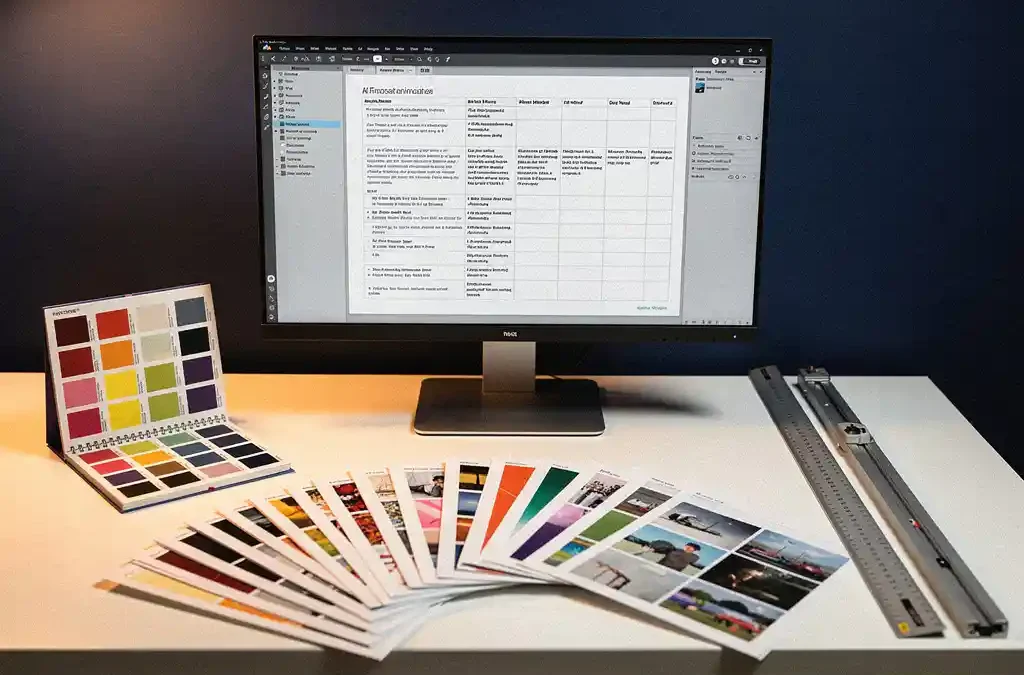
DTP, or desktop publishing, plays a crucial role in preparing print-ready files. It is the process of combining text, images, and layout into a file that meets the technical and visual requirements of a printer. Without professional DTP preparation, even the best translations and designs can result in costly print errors or delayed production. In this article, we answer the most frequently asked questions about DTP and print preparation, so you know exactly what goes into a professional print project. Have questions about our approach? Feel free to get in touch and we’ll be happy to help.
What tasks does a DTP specialist perform during print preparation?
A DTP specialist ensures that a document is technically ready for the printer. This includes setting the correct bleed margins, color profiles, and resolutions, checking fonts, and optimizing images. The end result is a file that can be sent to the printer without any technical issues.
Specifically, a DTP specialist performs the following tasks during print preparation:
- Setting trim marks and bleed areas so that no white edges appear after cutting
- Converting color profiles from RGB to CMYK, the color model used by printers
- Checking and embedding fonts so that text is displayed correctly on any printer
- Optimizing image resolution to a minimum of 300 dpi for sharp print results
- Checking text boxes for overflow, orphans, and widows
- Exporting to the correct file format, typically a PDF/X variant
These tasks may sound technical, but they have a direct impact on the quality of the final product. A DTP specialist serves as the link between the creative design and the technical reality of the printing press.
What is the difference between a print-ready file and a regular PDF?
A print-ready file is a PDF that meets specific technical requirements for the print shop, such as the PDF/X format. A regular PDF is intended for on-screen viewing and often lacks the correct color settings, resolution, and bleed margins required for high-quality printing.
The difference lies in details that are invisible on screen but immediately noticeable on paper. A standard PDF may contain fonts that are not embedded, causing the printer to substitute a different font. Color settings in RGB look great on a monitor but produce a completely different result on paper than expected.
A print-ready file meets the following criteria:
- Saved as PDF/X-1a or PDF/X-4, the standards for the print industry
- All fonts are embedded or converted to outlines
- Images have a resolution of at least 300 dpi
- Color space is CMYK or Pantone, not RGB
- Bleed margins of at least 3 mm are present around the trim area
- Transparencies are flattened and there are no unexpected layers
Submitting a regular PDF to a printer will, at best, result in a correction request and, at worst, a failed print run with significant costs.
How does DTP ensure consistent formatting across multiple languages?
DTP ensures consistent formatting across multiple languages by using style templates and standardized layout settings applied to each language version. Because translated text can vary in length, a DTP specialist adapts the layout for each language without losing the visual identity of the document.
This is one of the most challenging aspects of multilingual print preparation. A sentence in German is on average longer than the same sentence in English, while Arabic or Chinese may be more compact. Without DTP expertise, this leads to text overflowing text frames, inconsistent line spacing, or images shifting out of place.
Text expansion and layout adjustments
After translation, a DTP specialist checks whether the translated text fits within the existing layout. Where necessary, font sizes are slightly adjusted, text frames are enlarged, or images are repositioned — all without the reader noticing that any changes have been made.
Right-to-left languages and special fonts
For languages such as Arabic or Hebrew, the entire page layout must be mirrored. DTP specialists work with software that supports right-to-left text and ensure that images, tables, and page numbering are also correctly adjusted. Special fonts for non-Latin scripts are carefully selected and embedded in the print-ready file.
What common mistakes occur without professional DTP preparation?
Without professional DTP preparation, errors such as missing bleed margins, incorrect color profiles, non-embedded fonts, and insufficient image resolution are common. These mistakes are often only visible after printing, leading to high costs for reprints and delays in delivery.
The most common mistakes at a glance:
- Missing bleed: Without bleed margins, white edges appear along the edges of printed materials after cutting.
- RGB color use: Colors that appear bright and vibrant on screen often look dull and inaccurate when printed on paper.
- Low resolution: Images that look sharp on screen at 72 dpi print blurry and pixelated.
- Non-embedded fonts: The printer replaces missing fonts with a default alternative, completely altering the layout.
- Transparency issues: Unflattened transparency layers can cause unexpected artifacts or missing elements in the printed output.
- Text outside the trim area: Text or logos placed too close to the edge are cut off during finishing.
Each of these mistakes costs time and money. Professional DTP preparation prevents them systematically, before the file ever reaches the printer.
When is DTP indispensable in a translation and localization project?
DTP is indispensable in a translation and localization project as soon as the translated content is also presented visually in a formatted document, brochure, manual, or marketing material. Once text and layout come together for print or distribution, professional DTP support is not a luxury — it is a necessity.
In practice, this applies to virtually every project in which printed or digital documents are published in multiple languages. Think of technical manuals printed in twenty languages, product brochures for international markets, or point-of-sale materials for retail chains across different countries.
We combine translation, DTP, and professional printing into one integrated process. This means our DTP specialists work closely with translators and printers to ensure that every language version is technically correct and visually consistent. This eliminates the need to coordinate multiple vendors, saving both time and risk.
DTP is also indispensable when:
- Documents are translated into languages with a different script or reading direction
- Tight deadlines apply where errors in print preparation cannot be corrected within the schedule
- Brand guidelines must be strictly followed across all language versions
- Large print runs are involved where a file error carries significant financial consequences
In short: as soon as a translation project results in a physical or digital document that is distributed, DTP is the indispensable link that guarantees quality and consistency. Want to know how we can handle this for your project? Request a quote and we’ll be glad to think it through with you.
Frequently Asked Questions
How long does a typical DTP process take for a multilingual document?
The turnaround time for a DTP project depends on the number of languages, the complexity of the layout, and the size of the document. For a simple brochure in two or three languages, you can expect one to three working days per language version. For complex documents with right-to-left languages or many images and tables, this can increase to five working days or more per language. It is always advisable to include DTP time in your project planning to allow room for revisions.
What software do DTP specialists use for print preparation?
The most widely used programs for professional DTP and print preparation are Adobe InDesign, Adobe Illustrator, and Adobe Acrobat. InDesign is the industry standard for laying out multi-page documents such as brochures, manuals, and catalogs. Illustrator is used for vector-based designs, while Acrobat is used for checking and preflight-checking print-ready PDF files. For right-to-left languages such as Arabic, the Middle Eastern version of InDesign is often used.
Can I submit my existing Word or PowerPoint file for print preparation?
Yes, that is possible, but keep in mind that files from Word or PowerPoint are generally not directly suitable for print preparation. A DTP specialist converts these files into a professional layout application such as InDesign, rebuilding the layout from scratch to meet the technical requirements of the printer. This is an additional step in the process, but it guarantees a high-quality end result. Ideally, also provide all fonts, images, and brand guidelines used in the document.
What is a preflight check and why is it so important?
A preflight check is an automated technical inspection carried out on a file before it is sent to the printer. During this check, common errors are identified, such as missing fonts, images with insufficient resolution, incorrect color profiles, and missing bleed margins. Professional DTP software such as Adobe Acrobat and InDesign has built-in preflight tools that generate a detailed report. By running a preflight check, you avoid costly surprises during or after the printing process.
What if my document has already been laid out by a graphic designer — is DTP still necessary?
Yes, even if a graphic designer has laid out the document, professional DTP preparation is often still required, especially for multilingual projects. A designer focuses primarily on the visual appearance, while a DTP specialist concentrates on technical accuracy for the print shop and on incorporating translated text into the existing layout. In addition, a DTP specialist verifies that the file meets the specific requirements of the chosen printer, which can vary from one supplier to another.
How do I handle brand guidelines in DTP projects across multiple languages?
In multilingual DTP projects, brand guidelines form the foundation for all language versions. A DTP specialist works with a style guide or brand guidelines and applies them consistently across every language version, including the correct use of colors (based on Pantone or CMYK values), fonts, and logo placement. When a language version contains longer text that affects the layout, adjustments are made within the framework of the brand guidelines, ensuring that the visual identity remains recognizable across all versions.
What are the costs of professional DTP preparation and what influences the price?
The costs of DTP preparation vary depending on factors such as the number of pages, the number of language versions, the complexity of the layout, and the type of document. Simple single-language documents are relatively affordable, while multilingual projects involving right-to-left languages or complex infographics require more time and expertise. However, the investment in professional DTP almost always outweighs the cost of a failed print run or a reprint. Request a quote for a tailored price estimate for your specific project.
Related Articles
- How do I keep my print partner informed of updates to my brand guidelines?
- What should I keep in mind when translating and printing multilingual documentation?
- How do I write a user manual for my product?
- How do you sync updates across multiple localised versions?
- How do you manage software localisation workflows?